Back in October 2021, we launched the Rust Console Edition Public Test Branch (PTB) for all Deluxe and Ultimate Edition owners. Since then, it has served as an essential sandbox for testing new features, server configurations, map size adjustments, combat tweaks, and more before they hit the main servers. Your feedback over the years has been invaluable in shaping the game and helping us ensure the best possible experience with every major update.
Today, we are taking the next big step in the evolution of the PTB.
We are excited to announce the expansion of PTB access to ALL owners of Rust Console Edition.
Starting with our next PTB release later this week on September 3, every player on PlayStation and Xbox, regardless of which edition you own, will be able to jump into the test branch, preview upcoming content, and help us gather critical feedback.
Along with expanding access, we’ve re-evaluated how we operate our PTB. To ensure we get the most impactful testing data and higher server populations during critical feedback periods, the PTB will transition from an "always-on" model to focused testing windows.
Rather than running continuously year-round, the PTB will now open for specific timeframes tailored to the needs, scale, and content of each upcoming update. This upcoming PTB will be live from September 3 until September 17.
During these periods, we encourage everyone to jump in, stress-test new systems, report bugs, and share your thoughts. Once a testing window closes, the PTB servers will go offline while we process your feedback and finalise the main game release.
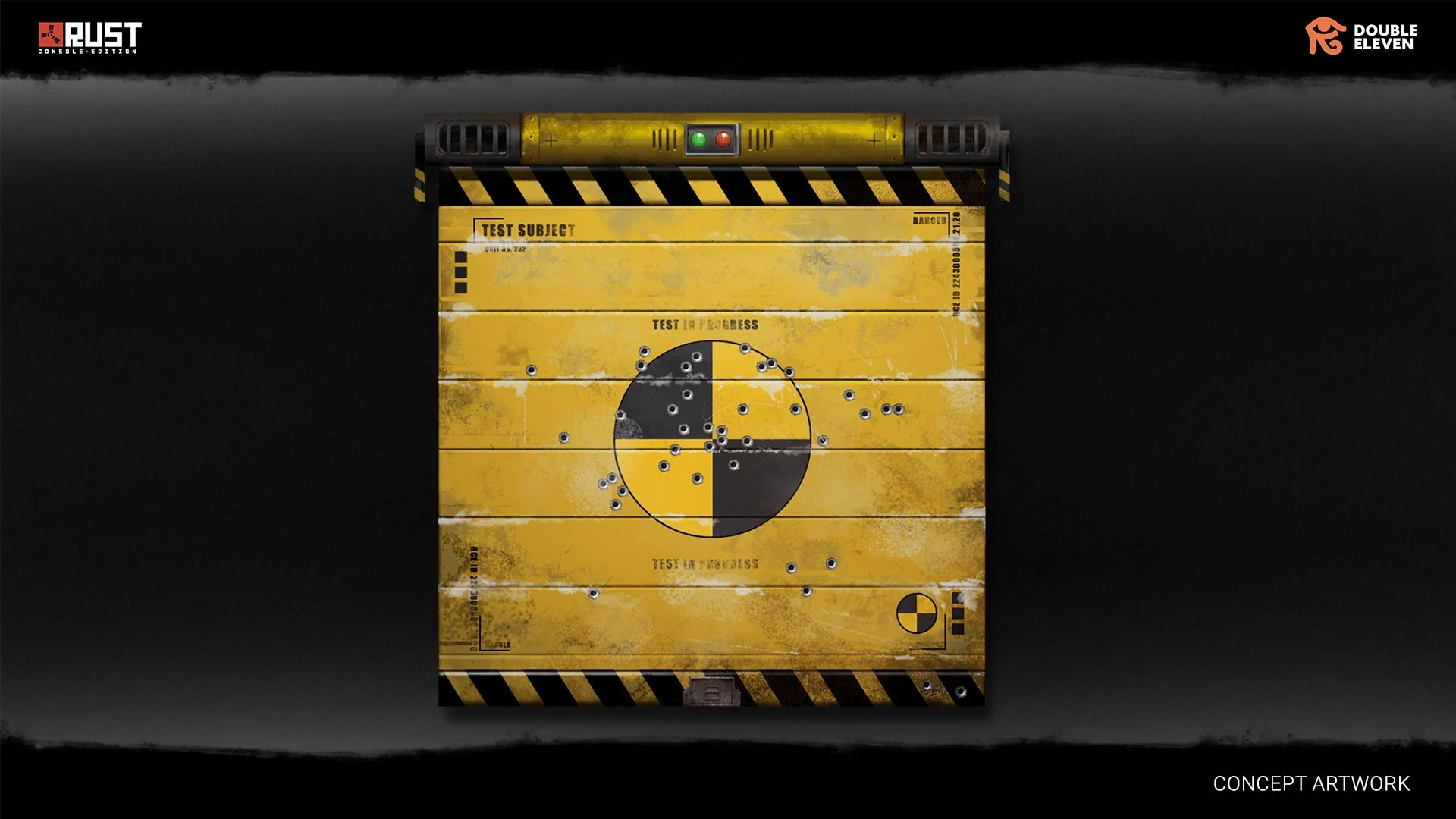
As a token of our gratitude to everyone who has supported the PTB program over the last few years, anyone who held access to the PTB prior to September 1 2026, will receive a Crash Dummy Garage Door skin in late October. This cosmetic will be exclusive and will never be available in the Skin Store.
Thank you for your continued support, survivors.
See you on the island!
How to access the PTB on Xbox Series X|S
From your Xbox dashboard, head to the Xbox Store.
Search for "Rust Console Edition X|S – Public Test Branch".
Select Install.
Once installed, launch it from My apps & games just like you would the base game, it'll appear as its own separate title.
How to access PTB on PlayStation 5
From your PlayStation 5, head to your Game Library.
Select "Rust" within your library.
Select the “…” option to see additional options and select “View Product”.
Select “…” again from the Rust Console Edition product page to see additional options and select “Rust Console Edition PTB“.
Select Download.
Once downloaded, launch “Rust - Public Test Branch” separately from the main game.